Amazon Reimbursement Policy: How to Claim Lost & Damaged Inventory
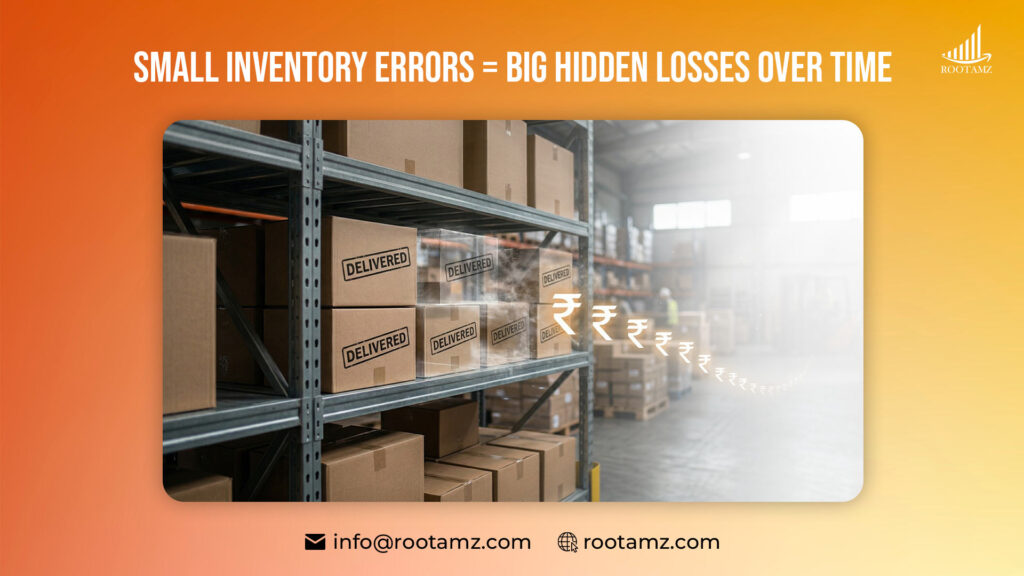
If you’ve been selling on Amazon for some time, you’ve probably seen this happening. Something doesn’t line up. A shipment says delivered but when you check, a few units are just not there or a return gets processed, but the product never really comes back into your inventory where RootAMZ steps in .
At first, it feels minor. Not worth digging into reports for just a few units, So seller leave it, even sellers working with an Amazon Ads Verified Partner, sometimes overlook this side of operations and thinks as Damaged inventory.
But over time, these small misses don’t stay small as they build up slowly. Seller don’t notice it day to day, but after a while, it’s there and it’s there money. & the important bit Amazon doesn’t always correct this on its own.
What Is Amazon Reimbursement?
Simplifying, it’s money Amazon gives back when something goes wrong within their system.Since they manage storage and shipping through FBA, they’re responsible once your inventory reaches them, then clear.
What’s not always obvious is that many issues don’t get resolved unless the seller actually raises them.
Some common cases where this applies:
- Inventory going missing during receiving
- Items getting damaged inside the warehouse
- Returns not being added back properly
- Fees that seem slightly off
- Units lost during removals
None of this is rare, actually it’s happens across accounts small or large, doesn’t really matter.
Why Many Sellers Don’t Claim It
It’s not really because they don’t want to, It’s more like they keep getting pushed. Sellers are busy with ads, listings, orders. Maybe dealing with stock issues or trying to scale. Amazon Reimbursement sit somewhere in the background. Most of them wants to check it later and later never comes.
A few practical reasons:
- Seller Central isn’t the easiest to go through.
- Some differences look too small to matter
- Filing cases takes a bit of effort
- There are deadlines (easy to forget, honestly)
None of these sound serious alone. But together, they lead to missed claims.
Scenario
Let Assume a seller once checked old shipment reports nothing planned before, just a random check and noticed some units missing mostly around 20 or so. Firstly they ignored it, didn’t feel like a big number, But later they went back raised claims and followed up a bit and ended up recovering a decent amount. Not huge, but enough to matter !! That’s usually how it goes. Losses stay quiet unless you go looking.
How to Claim Lost or Damaged Inventory
There’s no perfect system exits !!! seller don’t need one either, just need to check once in a while.
But RootAMZ helps in this to built trust with seller
- Starting with reports
Opening seller inventory reports and scan through, If something feels off then points to be noted. - Finding the issue
Lost units, damaged items, returns not showing up these are the usual ones. - Keeping the basic seller details
Prioritising shipment ID, SKU, order information which is usually enough. - Raising a case
If any then contact seller central explaining the issue by Keeping it simple, no need to
overdo it. - Follow up
Sometimes it gets resolved fast and Sometimes not. A follow-up helps more often than people expect.
Also, small thing but don’t expect every case to be approved instantly.
Timelines: Where most of the sellers miss out
This part gets ignored by most of the sellers than it should.
- Lost inventory – about 9 months
- Damaged inventory – up to 18 months
- Returns – similar timeframe
Sounds like plenty of time, but if you’re not regularly checking it doesn’t feel like plenty. It just passes and once it’s gone, you can’t really go back.
How RootAMZ helps sellers
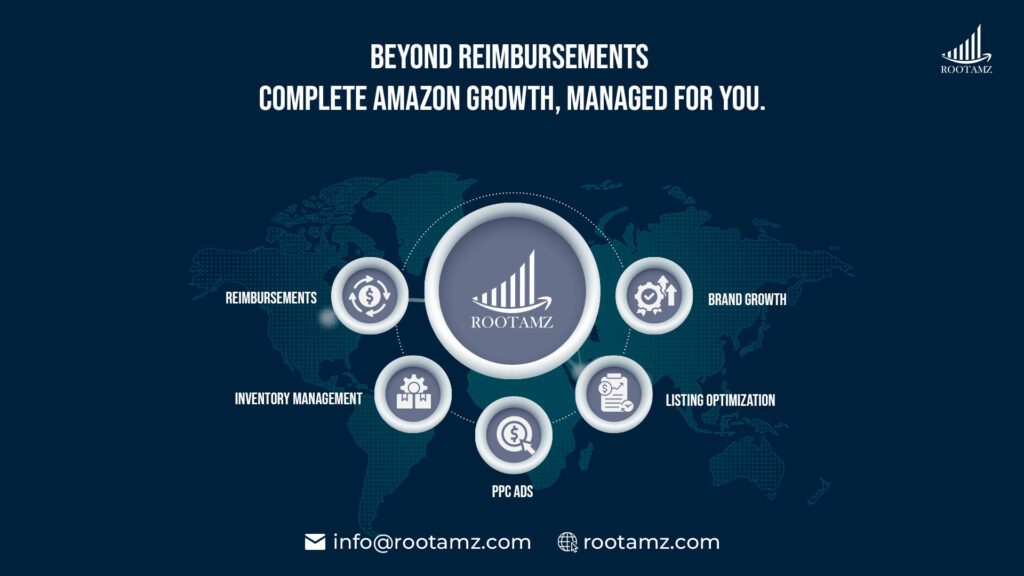
Now, if seller handling a growing store, doing all this manually gets repetitive and a bit hectic too.
To be honest, that’s where RootAMZ comes in.
Instead of checking everything, RootAMZ go through your account, find missing Reimbursements, & handle the claim process.
From identifying the issue to submitting cases and following up managed by us, and that follow-up part where most of the seller stop.
Also help with:
- Account management
- PPC campaigns
- Listing optimisation
- Inventory planning
- Brand growth
So it’s not just about getting money back. It’s also about keeping things running properly.
A Note to Remember
If you’re doing this yourself, you don’t need anything complicated. We’re just here to make sure you with our expert team and automated systems will help seller to stay and track effortlessly.
- Keep inventory records updated
- Check shipments after delivery
- Don’t completely ignore returns
- Look into your account once a month
That’s it. Honestly, even doing this casually is better than not checking at all. RootAMZ simply makes sure these basics actually get done so you don’t have to worry about them.
Final Thoughts
Reimbursements don’t feel urgent. That’s the problem there’s no alert, no warning Just small amounts going missing quietly in the background because it’s not obvious, it’s easy to ignore for a long time. But once you start checking even occasionally, you’ll probably find something.
Most sellers has a unique attitude of leaving it but that hurts later.Whether you handle it yourself or get help from RootAMZ doesn’t matter that much but what matters that reimbursement facilities washed away. Just don’t leave it unchecked for too long keep eyes on it.
📩Reach out RootAMZ today to get details how Amazon Reimbursement Policy works.
✅Learn How to Claim Your Amazon Reimbursement Step-by-Step
FAQ’s
How long does reimbursement take?
Usually around 1–2 weeks, though some cases take longer.
Can I track my claims?
Yes, you can track them in Seller Central under case history.
Do I need a service for this?
No, but it can help if you don’t have time to check regularly.
How does RootAMZ help with reimbursements?
RootAMZ reviews your account, identifies missed claims, submits cases, and follows up until it’s completed and the full process is called Amazon Reimbursement Policy.